Brand · 5 min read · 2 August 2026
How the NEEVANAILS AI try-on works (and how to get a clean result)
What happens between tapping the camera and seeing a set on your hands - plus the lighting that makes it accurate.
The short answer
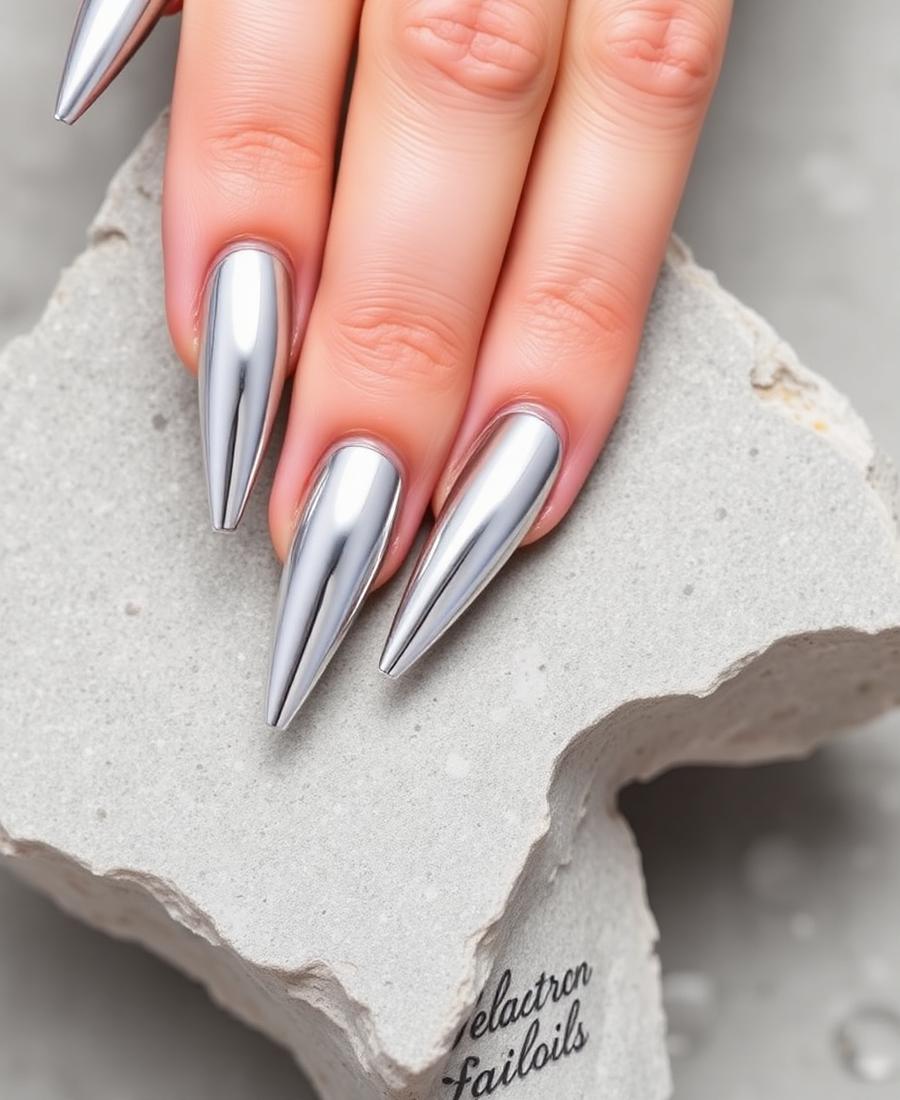
The NEEVANAILS AI try-on detects your nail positions from a camera frame, then renders the chosen press-on design onto each nail with matching curve, colour and lighting so you can judge the set on your own hands.
- · What the studio is doing
- · Three things that improve accuracy
- · Save, clear, shop
What the studio is doing
When the camera is on, the studio tracks your hand and locates each nail from the cuticle line outwards, scaled to your palm. The chosen design is then rendered onto those positions with the right curve and finish, so the result follows your own nail shape instead of pasting a flat image over it.
Three things that improve accuracy
Use even, front-facing light - window light is ideal and overhead spotlights are the worst case. Keep fingers straight and slightly apart, and hold the hand at roughly a forearm's distance from the lens. You can switch between the front and back camera; the back camera usually resolves nails more sharply.
Save, clear, shop
Each result can be downloaded, cleared from the studio, or taken straight to the matching set. If a render comes back without an image, it is almost always lighting or motion - retake the frame rather than changing the design.